
Getting Calumet County Court Records
The Calumet County Clerk of Circuit Court keeps the circuit case files. Begin with Wisconsin Circuit Court Access, known as WCCA. Use it to confirm the county, the case number, and the date of the event you care about. WCCA shows public case information only. It does not hand over the complaint. Nor does it provide a motion, an exhibit, a judgment, or a transcript.
When the online result is thin or missing, the older channels still work. Visit the clerk counter or the courthouse WCCA terminal at 206 Court Street, Chilton, Wisconsin 53014. Weekday hours run 8:00 a.m. to 4:30 p.m. Call (920) 849-1414 before visiting or mailing anything. Staff can confirm whether a written request should go by mail. They can also tell you about fax at (920) 849-1483. The court posts no public email address or Calumet-specific request form, so plan on paper or the phone.
- Find the case number, caption, type, and filing year through WCCA or the clerk.
- Name the exact docket printout, pleading, judgment, order, exhibit, or transcript.
- Choose inspection, an ordinary copy, a certified copy, pickup, or delivery.
- Ask for a fee estimate and accepted payment before broad work begins.
- Use the proper municipal clerk if the file belongs to a city court.
Four Calumet Record Request Routes
Each channel has its use. WCCA gives the fastest public index of a court docket. The courthouse terminal serves someone with no home internet, a phone call tells you which desk holds the file, and mail or fax leaves a precise written record of the request.
| Route | Best use | Key detail |
|---|---|---|
| WCCA | Locate public case information | Search statewide or select Calumet |
| Clerk counter | Inspect files or obtain copies | Bring the case number |
| Phone | Confirm desk and process | (920) 849-1414 |
| Mail or fax | Request a defined item | Confirm payment first |
A municipal file stays with its issuing court even though the city sits inside Calumet County. The circuit clerk never absorbs it. Federal cases run through PACER and the Eastern District of Wisconsin, not WCCA.
Court Record Types
One unified circuit court handles many case types under a single clerk. What the public can see still varies by document and category. Think of the docket as the time-ordered index and the case file as the papers that produced those entries.
- Docket printouts, captions, status, settings, and selected financial entries
- Complaints, petitions, answers, motions, briefs, and filed pleadings
- Signed orders, judgments, dispositions, and judgment records
- Public civil, criminal, family, small claims, probate, traffic, and forfeiture material
- Hearing transcripts ordered through the proper court reporter
Not everything is open. Juvenile, adoption, guardianship, commitment, confidential family, sealed, and protected material may be limited. It may be missing entirely. The clerk can explain the access process. But the clerk cannot wave away a statute or a sealing order. Probate and juvenile cases show why broad clerk custody does not put every Calumet County court record online. A public index, an inspectable document, and a restricted file can all sit within the same unified structure. Ask about the exact item rather than assuming one rule governs the whole case.
Three Calumet Court Record Layers
Know which product you want. The docket, the document, and the certification are three different things, and mixing them up means a second trip or a second request.
- Case information
- The WCCA summary with identifiers, parties, events, settings, status, and selected financial details.
- Filed document
- The pleading, order, judgment, or public exhibit in the official case file.
- Certified copy
- A clerk-issued copy with certification for a recipient that needs official proof.
- Transcript
- A reporter's written record of a hearing, separate from the docket.
A printable WCCA report works fine as a reference copy. It does not arrive certified. And eFiled papers never reach the public through the party filing system.
Inside a Calumet Court Record
A Calumet County court record can pair an index with the filed material behind it. WCCA uses compact case numbers like 2024CF000123, where the letters mark the case type. The official file often holds far more than the web display.
| Case identity | County, number, caption, type, filing date, status, court, and branch. |
|---|---|
| Parties | Recorded roles and attorneys, subject to privacy limits. |
| Case history | Events, hearings, settings, orders, and disposition entries. |
| Filed papers | Pleadings, motions, orders, judgments, and public exhibits. |
| Financial fields | Judgment, balance, or payment data when available. |
An event label only proves the entry exists. The paper behind it may not be online. Use the date and title to request the exact document.
Calumet eFiled Document Limits
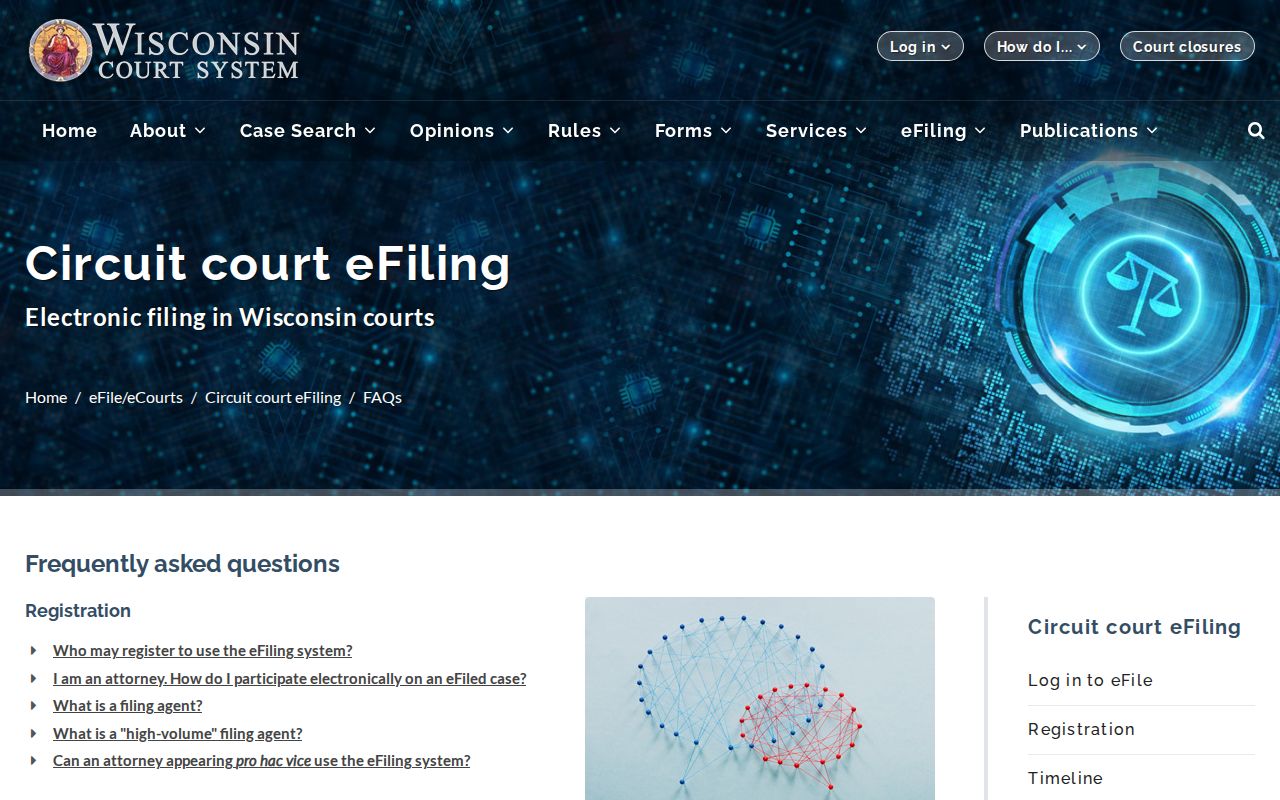
The public search and eFiling serve different crowds. The Wisconsin eFiling FAQ states that eFiled documents go to parties through eFiling. They do not go to the public online. That explains a familiar puzzle: a WCCA event shows up while its PDF stays hidden.
Public users should carry the case number and event date straight to the clerk. There they can ask for inspection or a copy. Party access never becomes a general public document portal. Wisconsin CCAP is not a commercial county software product. The official eFiling guidance lays out this public-versus-party split plainly.
The clerk's file remains the source for a pleading, order, or exhibit.
Fees and Certified Copies
An ordinary copy just reproduces a record. Certification adds the clerk's official attestation, which is why it costs more. The statewide schedule sets $1.25 per page for circuit court copies. It adds a $5 certification charge on top. Confirm the total, the payment method, postage, and certification needs before you send money. Ask whether each item needs its own certification.
| Record need | Fee or status |
|---|---|
| WCCA public report | Public search; not certified |
| Ordinary circuit copy | $1.25 per page |
| Certified circuit copy | $5 plus $1.25 per page |
| Transcript | Contact the reporter for current terms |
Calumet County Clerk of Circuit Court
206 Court Street
Chilton, WI 53014
(920) 849-1414
Say exactly which certified judgment or order you want. Staff can identify the record, but they cannot advise which item another office will accept.
Calumet Transcript Request Route
A transcript is not a docket printout. It comes from one specific proceeding and moves through the reporter assigned to that branch. The directory lists Debbie Duquaine at extension 3502. It also lists Julie Kostichka at extension 3509 for Branch I. Branch II draws on the statewide digital court reporting pool.
When ordering, give the case number, hearing date, branch, and proceeding type. Ask whether the reporter or the clerk takes the order, and what fee applies. The county publishes no transcript form, delivery promise, or rate, so confirm those terms directly.
Calumet Has No Posted Form
Calumet County posts no dedicated court-record request PDF or web form. That does not end your right to ask. Send a reasonably specific written request to the Clerk of Circuit Court. Skip anything invented: no guessed email, no assumed turnaround, no unverified fields.
A solid request includes your contact and delivery details, the case identifier, and a description and date of the document. State your choice of ordinary or certified copy. Say whether you want inspection or a copy, and request an estimate. Wisconsin procedure does not require the clerk to create a new report from scratch.
Sealed Records and Public Access
Wisconsin presumes that court records are open to inspection. Even so, a Calumet County case file can hold details the law shields. Protected identifiers and confidential categories are examples. A seal is never the clerk's personal call. A judge or other court official issues it. If the clerk turns you away, ask which statute or order controls, and whether a motion or petition can reopen the file.
Key Wisconsin rules:
Wisconsin Statutes section 19.35 governs public inspection and copying.
Section 801.19 protects specified personal information.
Section 801.20 addresses confidential documents, while section 801.21 supplies the sealing process.
Leave birth dates, account numbers, and similar protected identifiers out of anything you file or share from a public copy. Redaction covers sensitive data on a page that stays public. Confidentiality blocks a whole category of records by law. Sealing locks a record by order, and the state court-record FAQ spells out where each line falls.